1
Authentication
User creates account or signs in
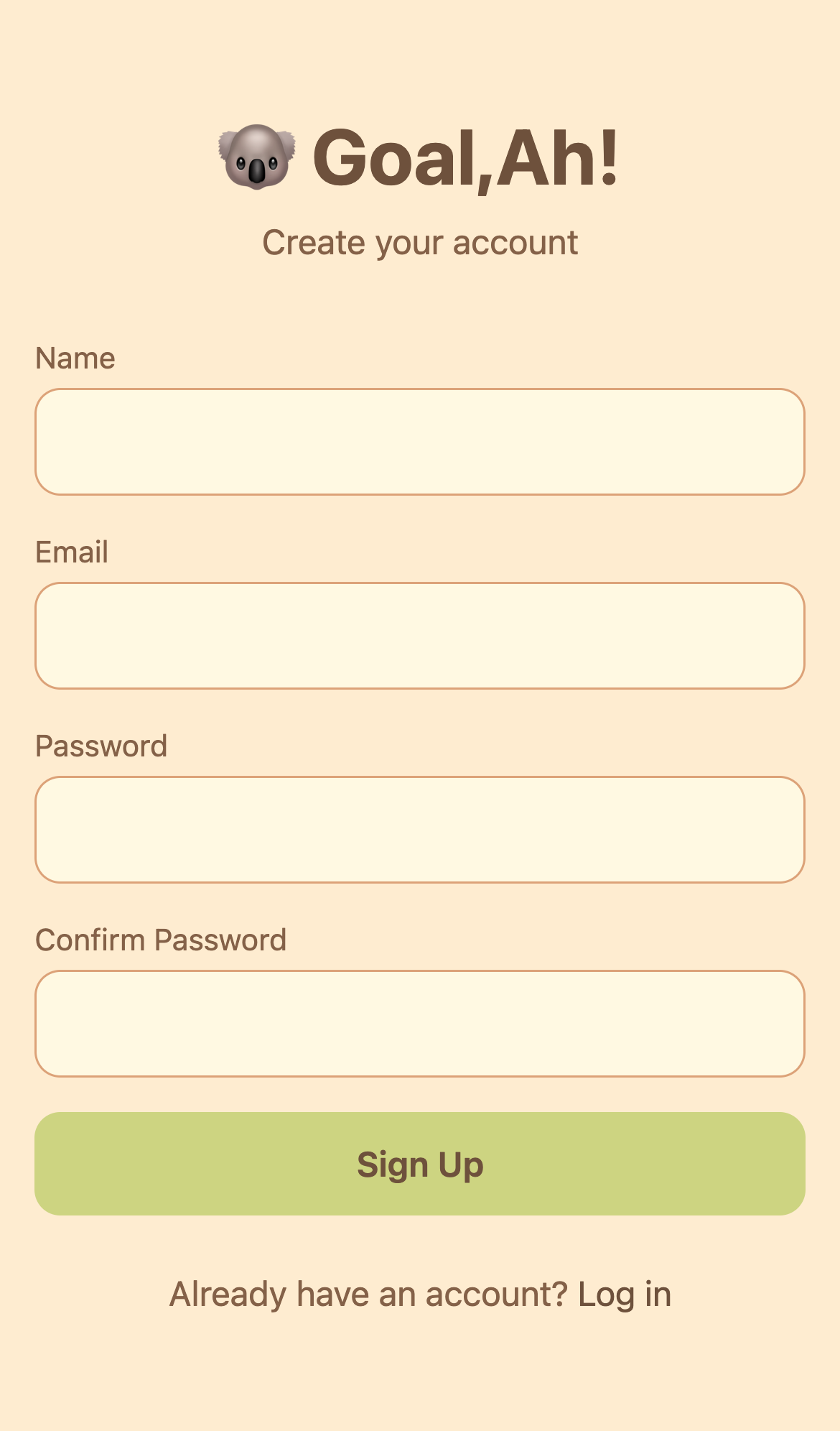
Signup
New account creation
→
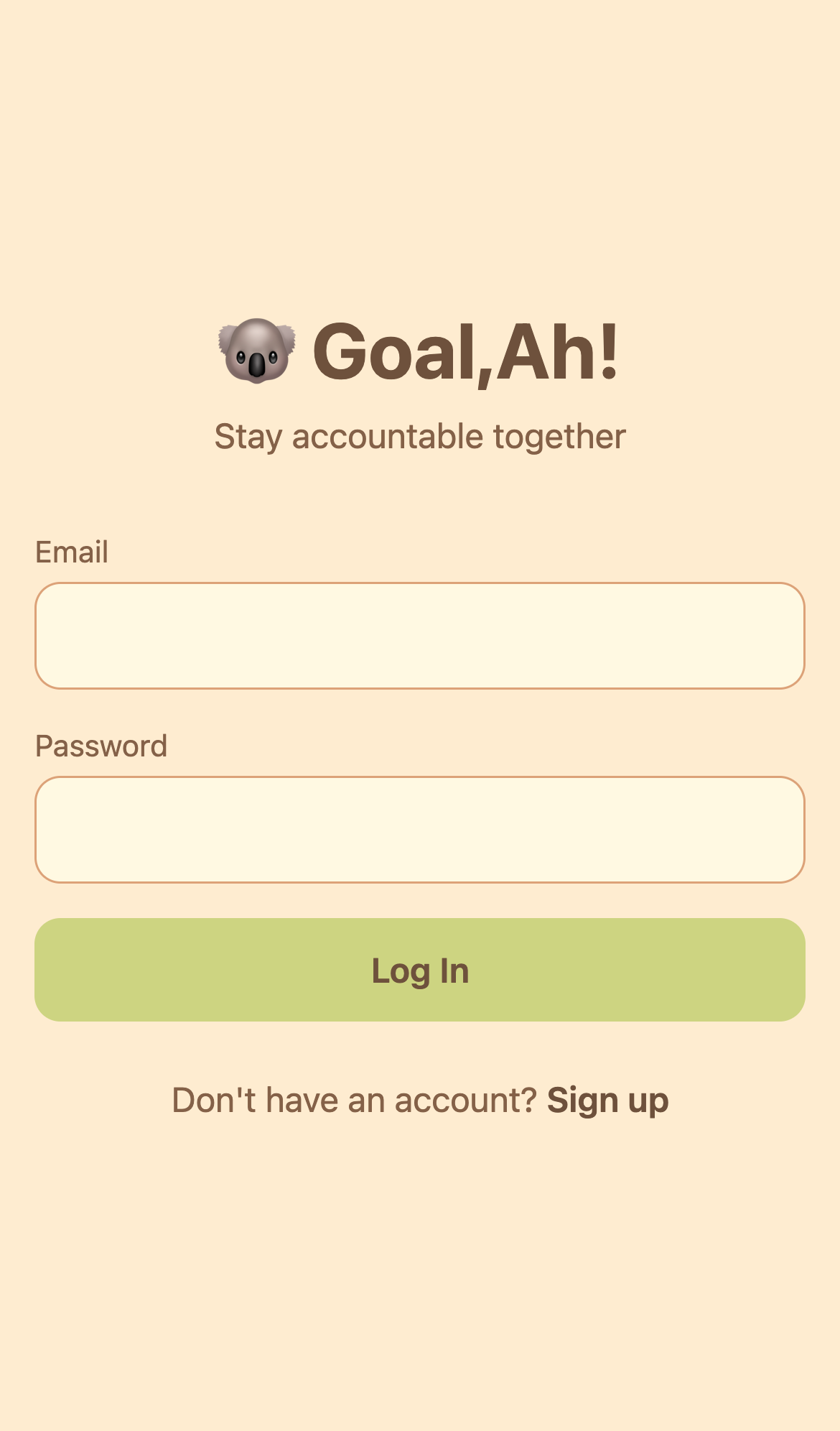
Login
Returning users
2
Onboarding (5 Steps)
New users set up fitness goals and preferences
Progress through 5 steps: Choose goal → Describe it → Set frequency → Pick times → Commitment level
Progress through 5 steps: Choose goal → Describe it → Set frequency → Pick times → Commitment level
Step 1: Choose Goal
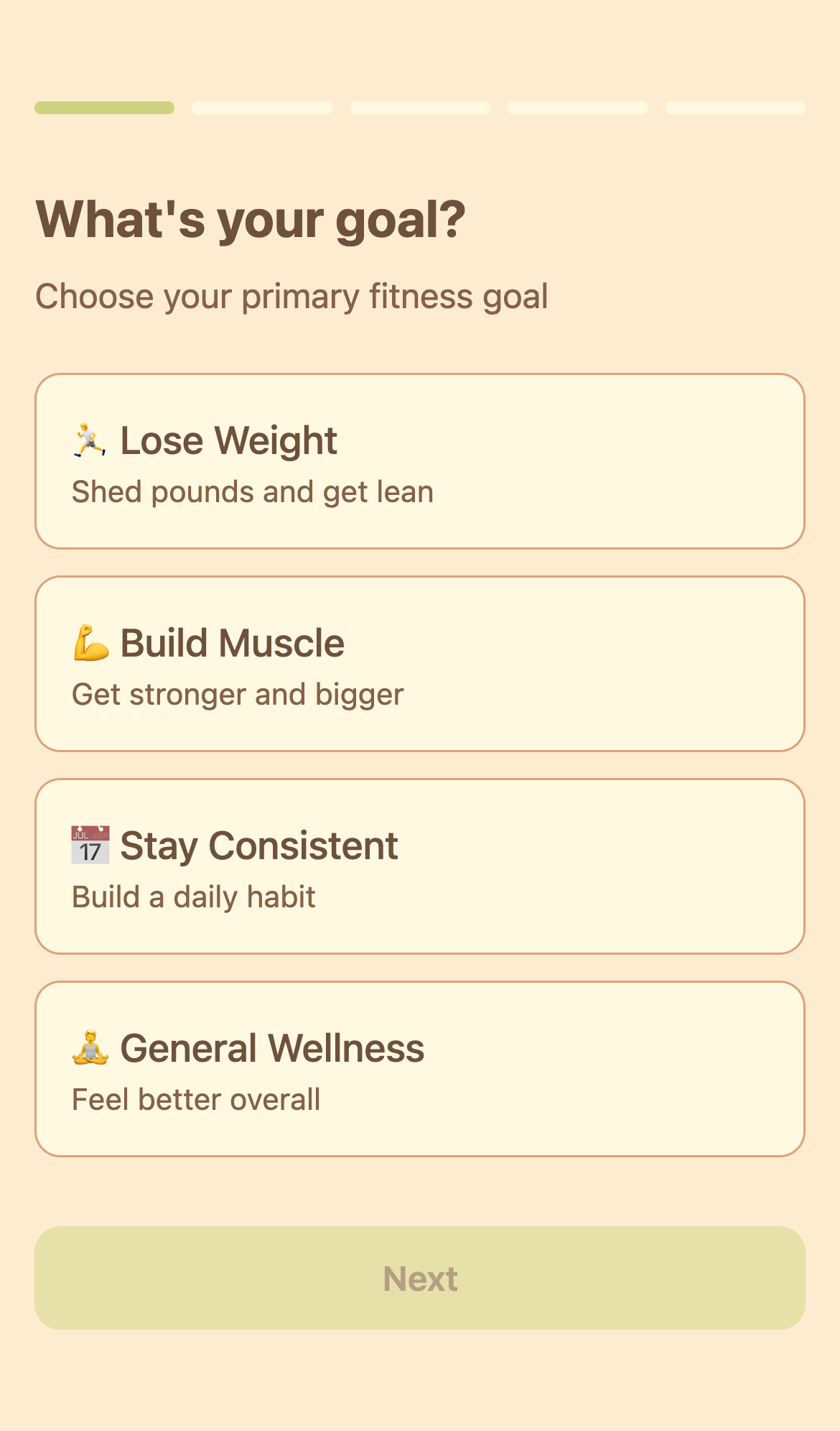
1Goal Selection
4 options to choose from
→
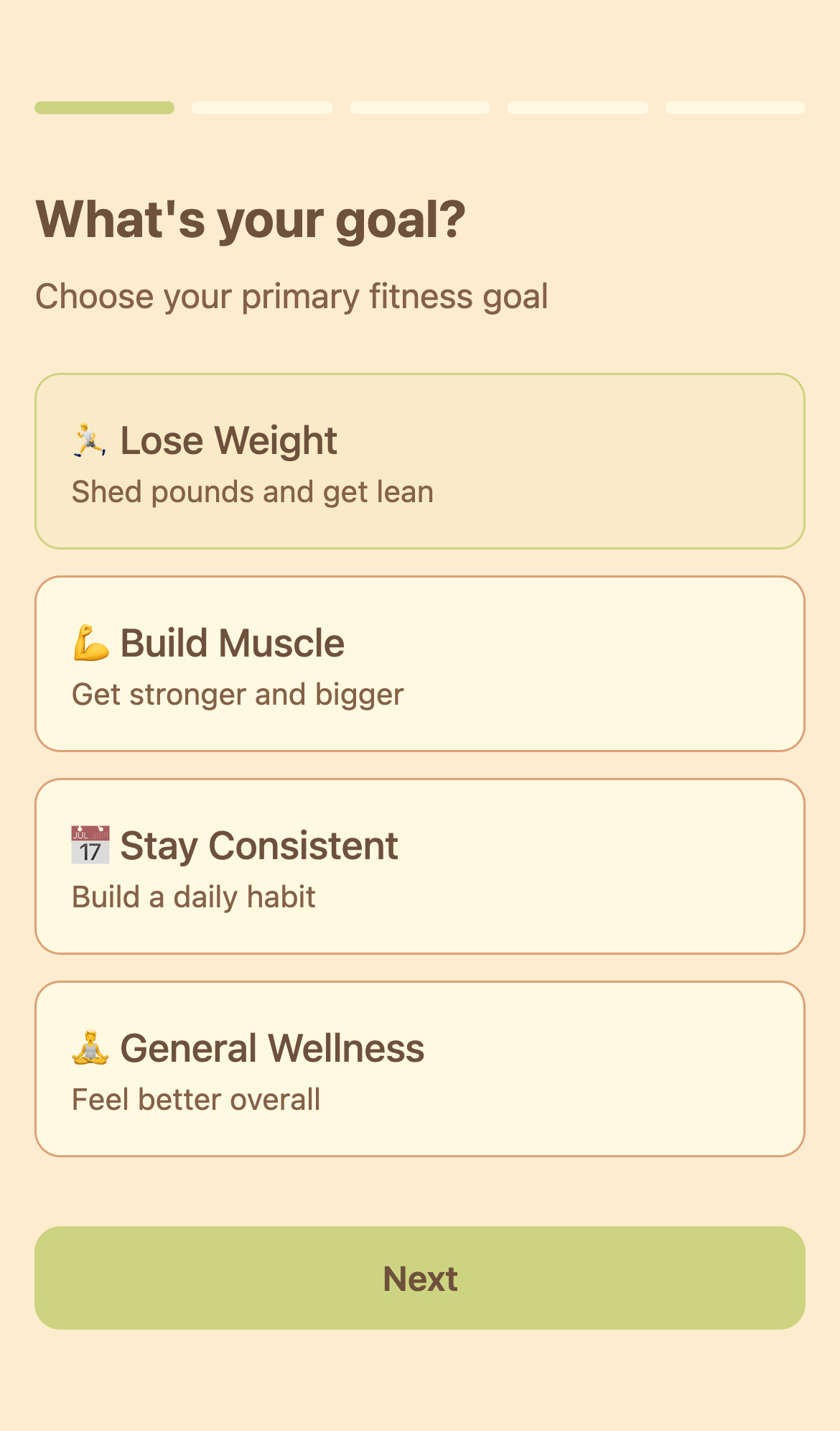
SelectedGoal Chosen
Ready to proceed
Step 2: Describe Goal (Optional)
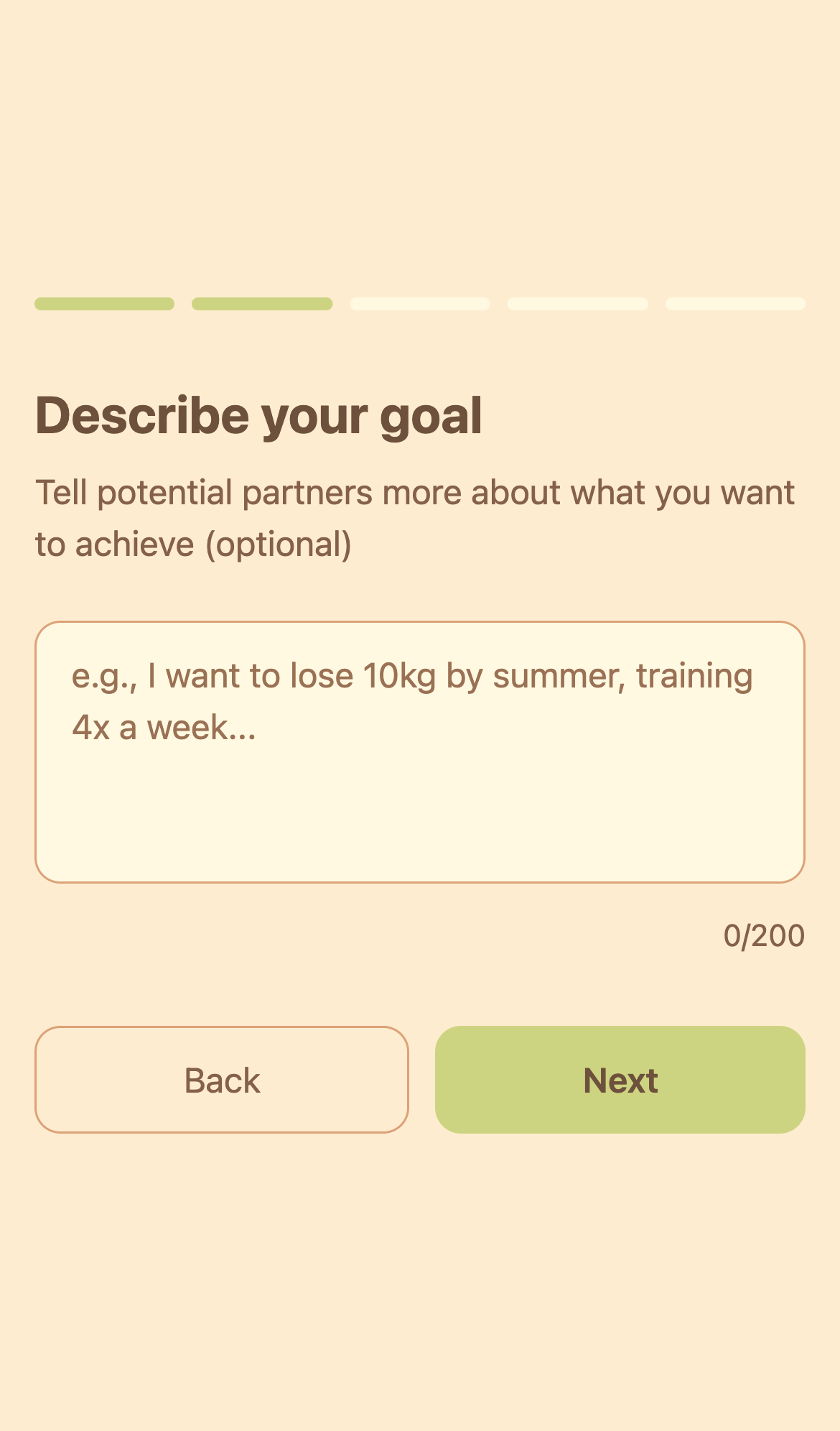
2Description
200 character limit
→
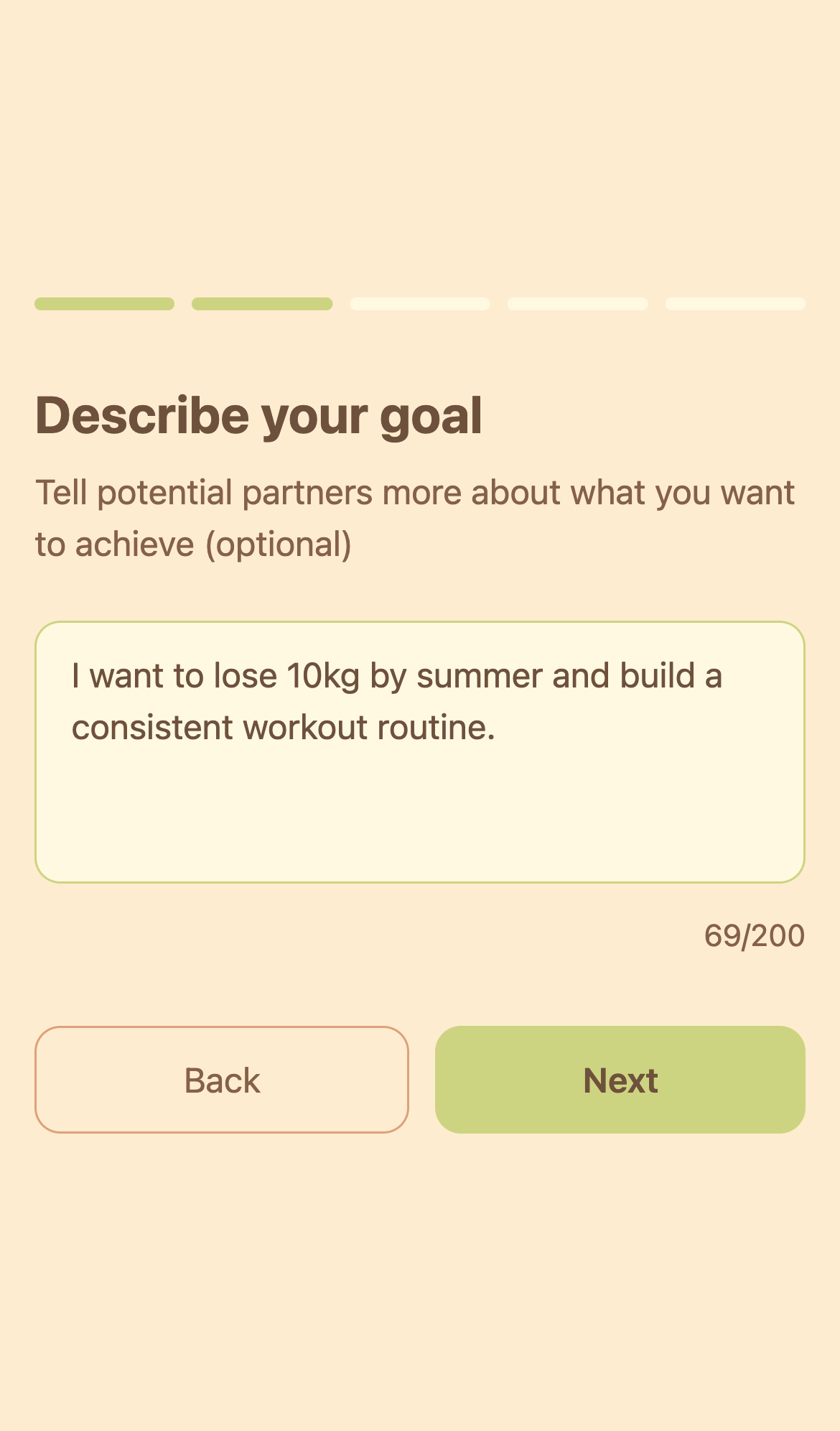
FilledText Added
Character count shown
Step 3: Workout Frequency
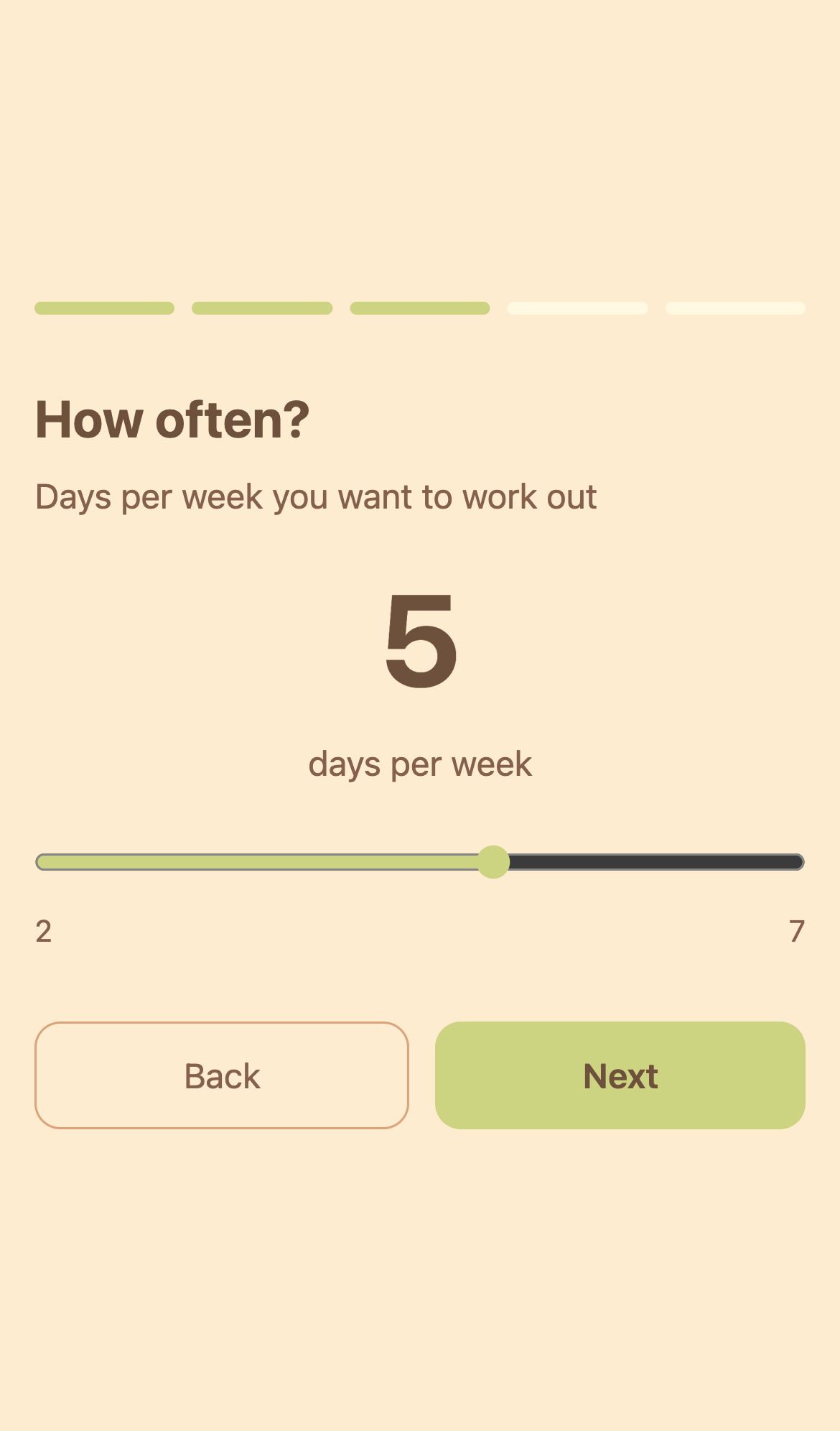
3Frequency
2-7 days per week
→
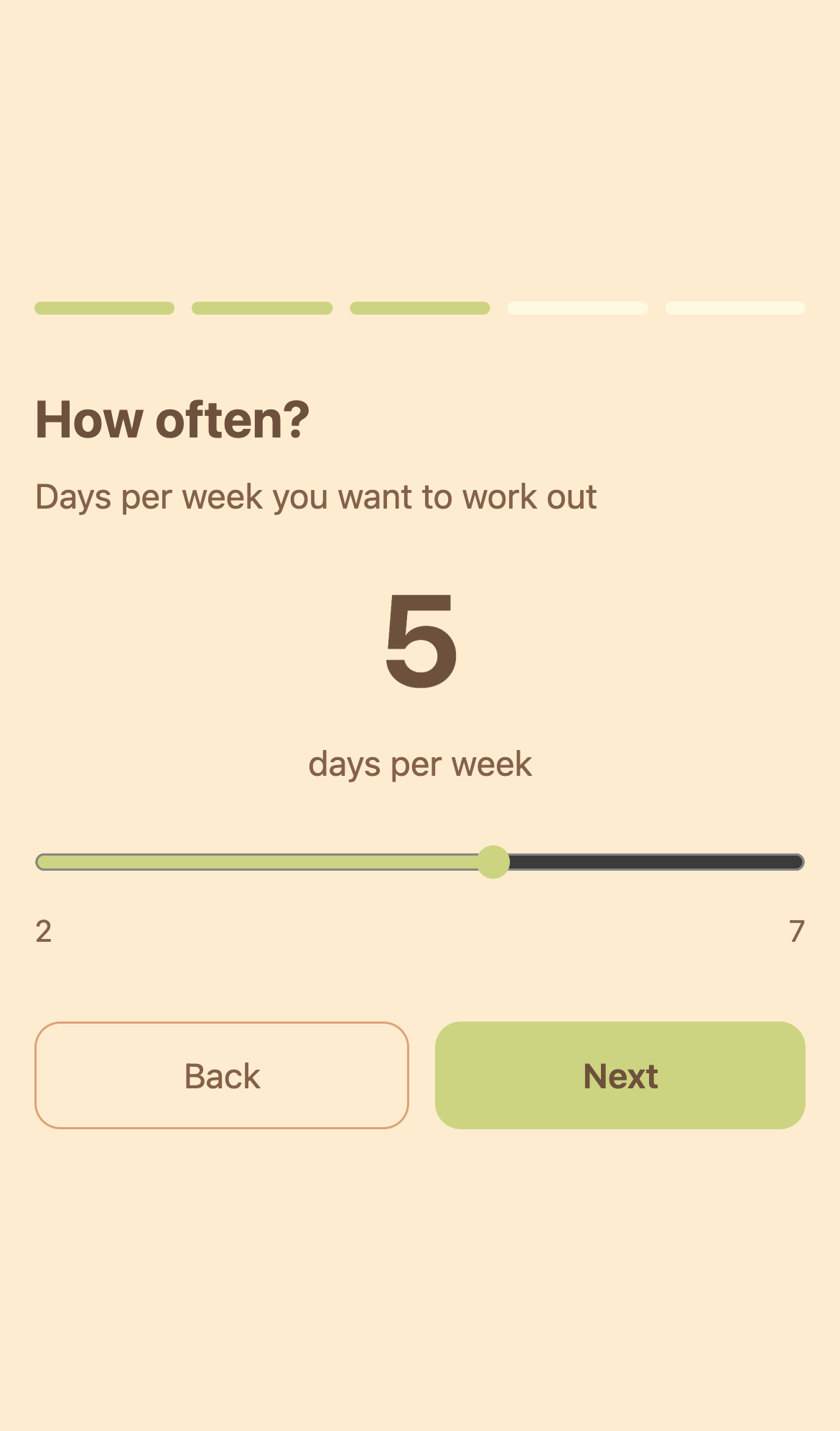
5 daysSet
Via slider
Step 4: Workout Times
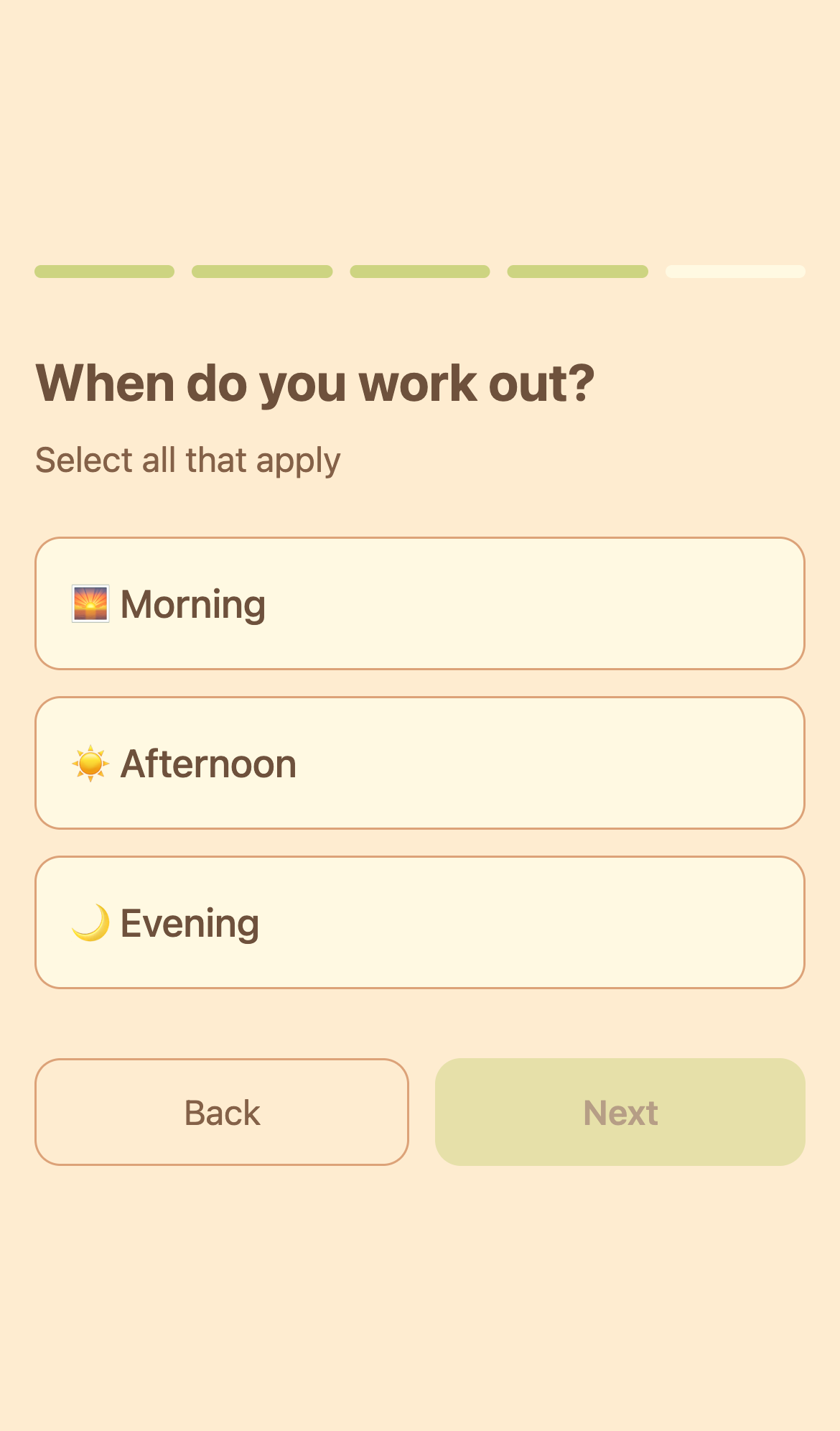
4Times
Morning/Afternoon/Evening
→
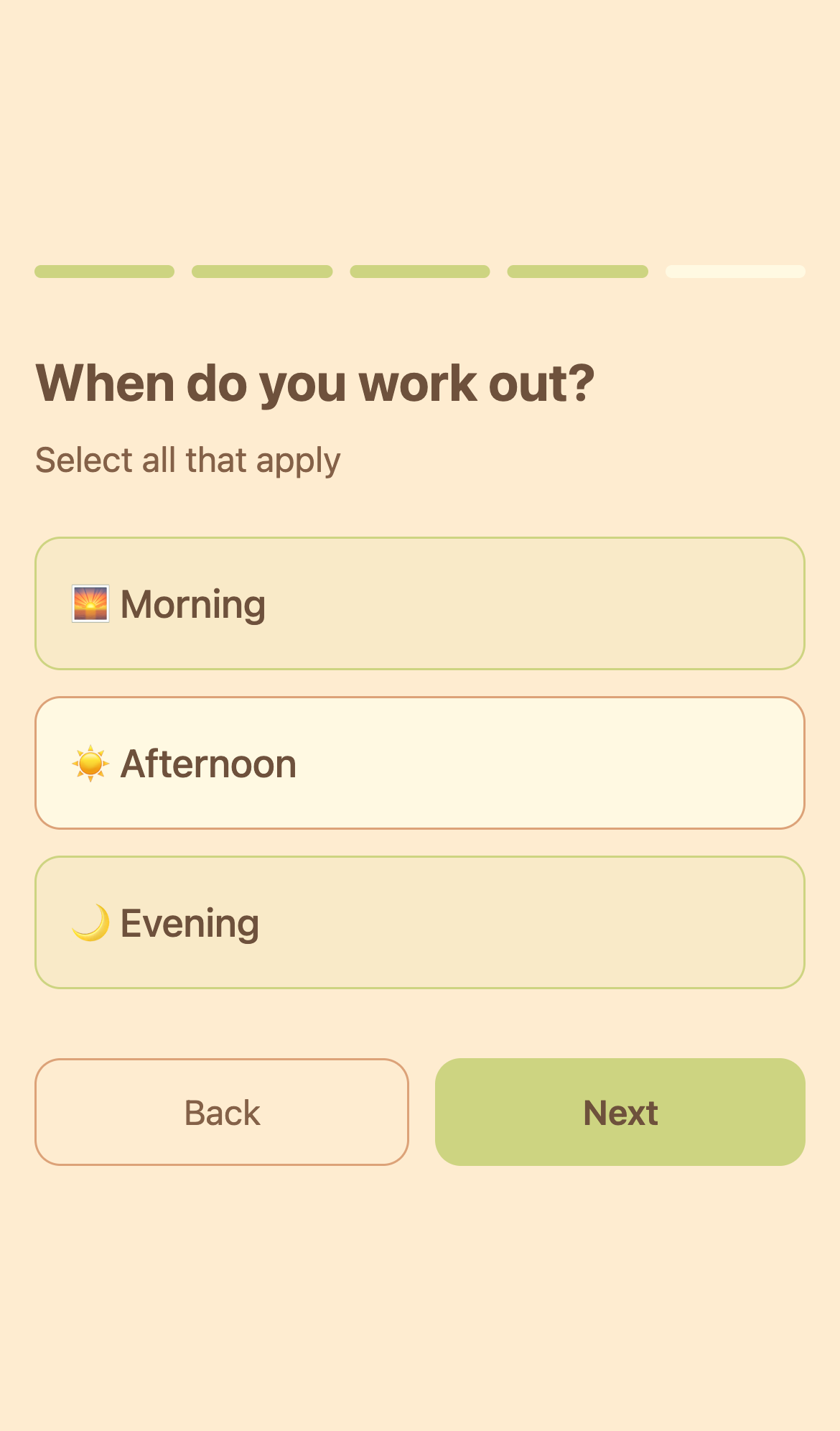
2 selectedMorning + Evening
Multi-select
Step 5: Commitment Level
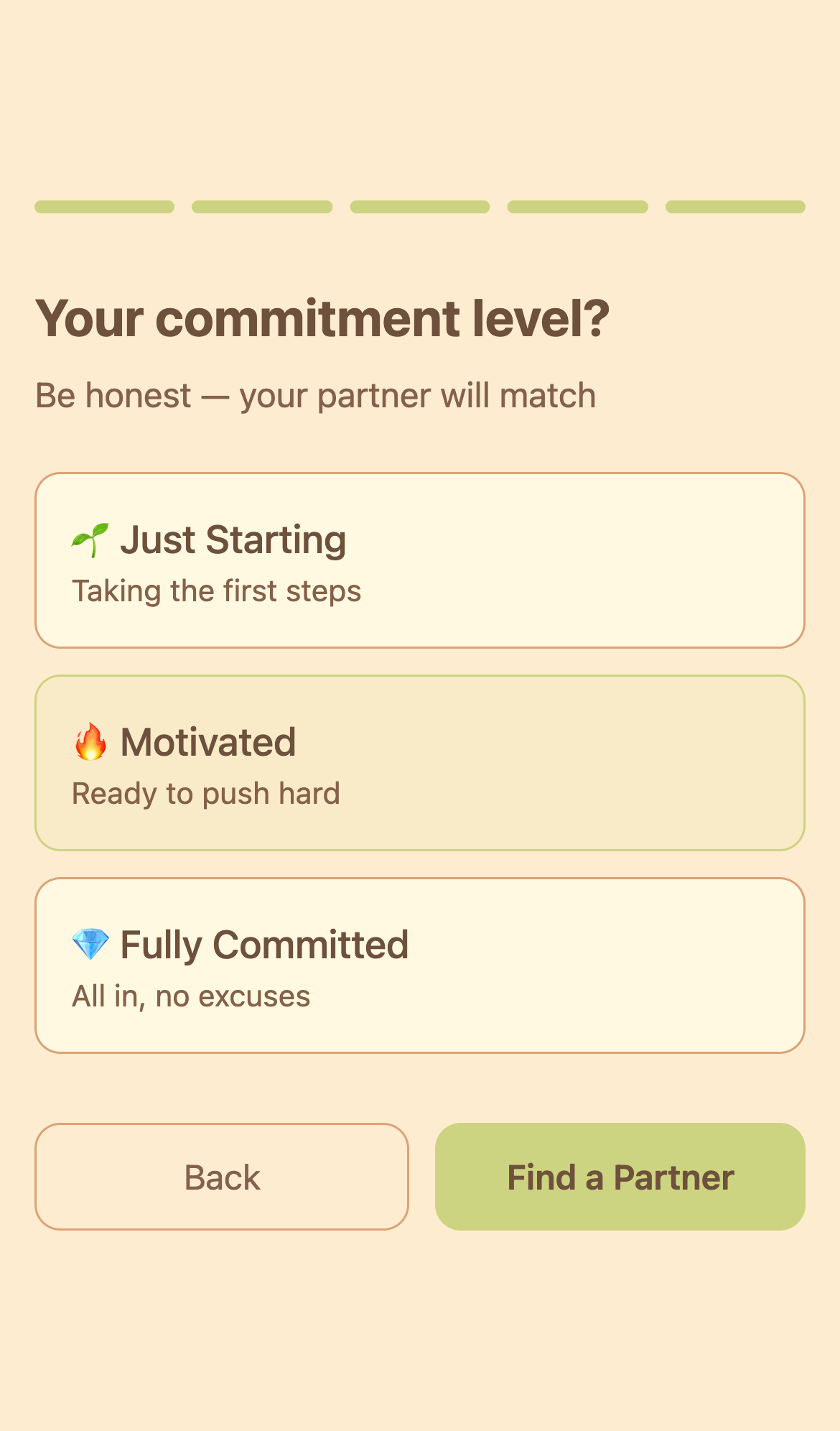
5Commitment
3 levels to choose
→
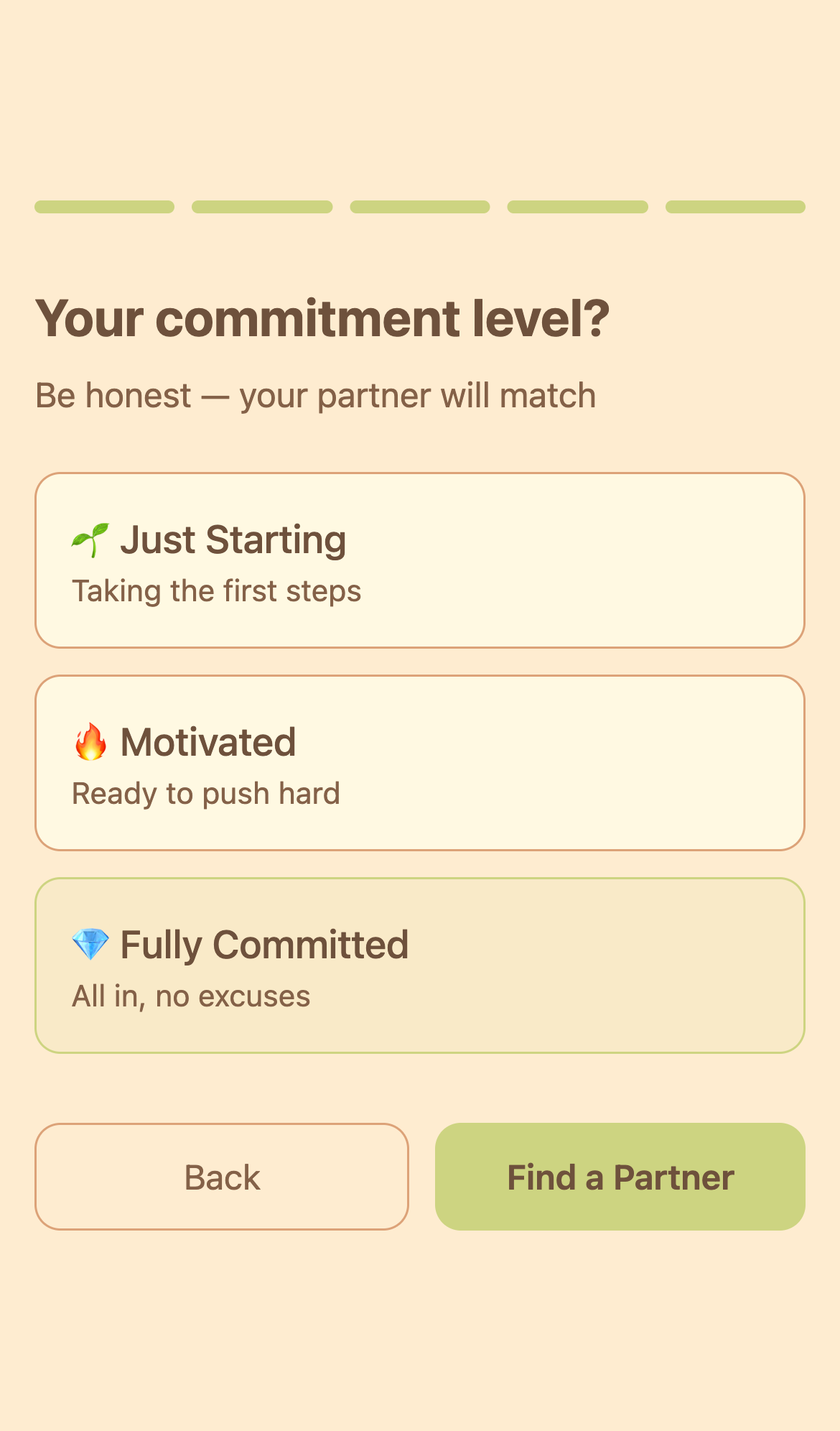
CommittedReady
"Find a Partner" button
3
Find Partner
Browse potential partners with similar goals
View match %, trust score, frequency, and start conversations
View match %, trust score, frequency, and start conversations
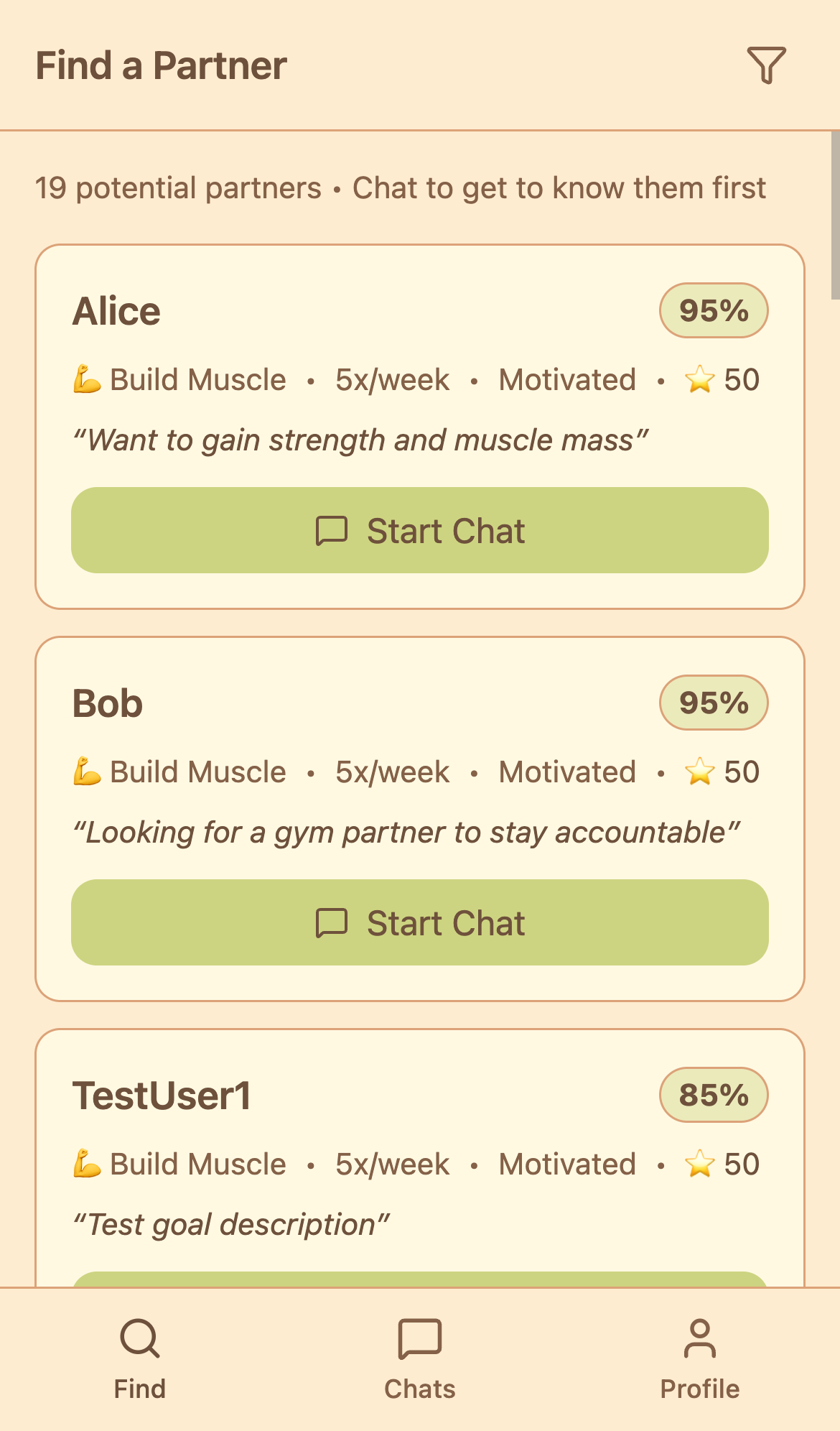
Matching Screen
Filter & sort available
→
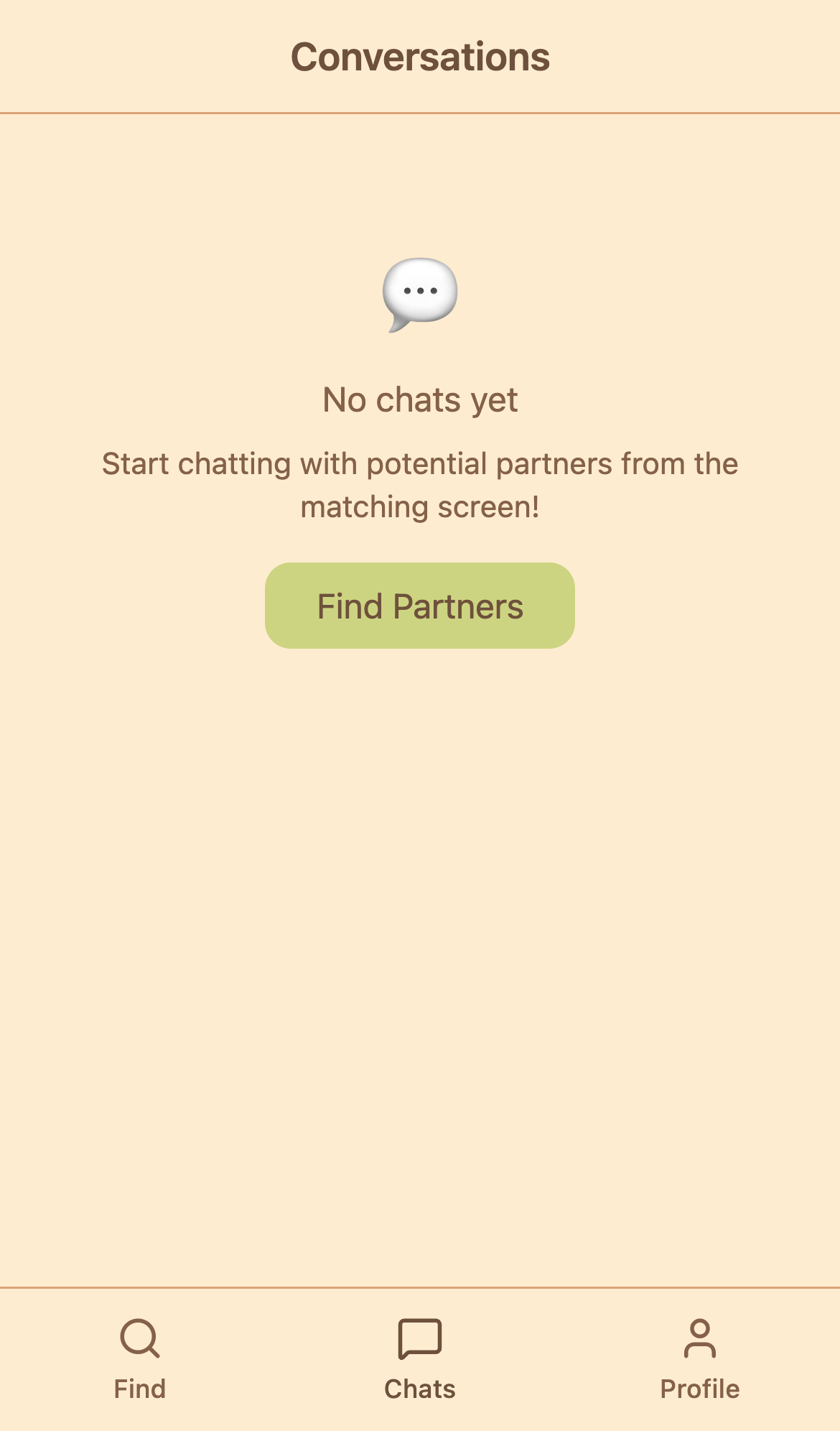
Pending Chats
Empty state
4
Pending Chat
Message before confirming partnership
Get to know potential partner, then confirm or decline
Get to know potential partner, then confirm or decline
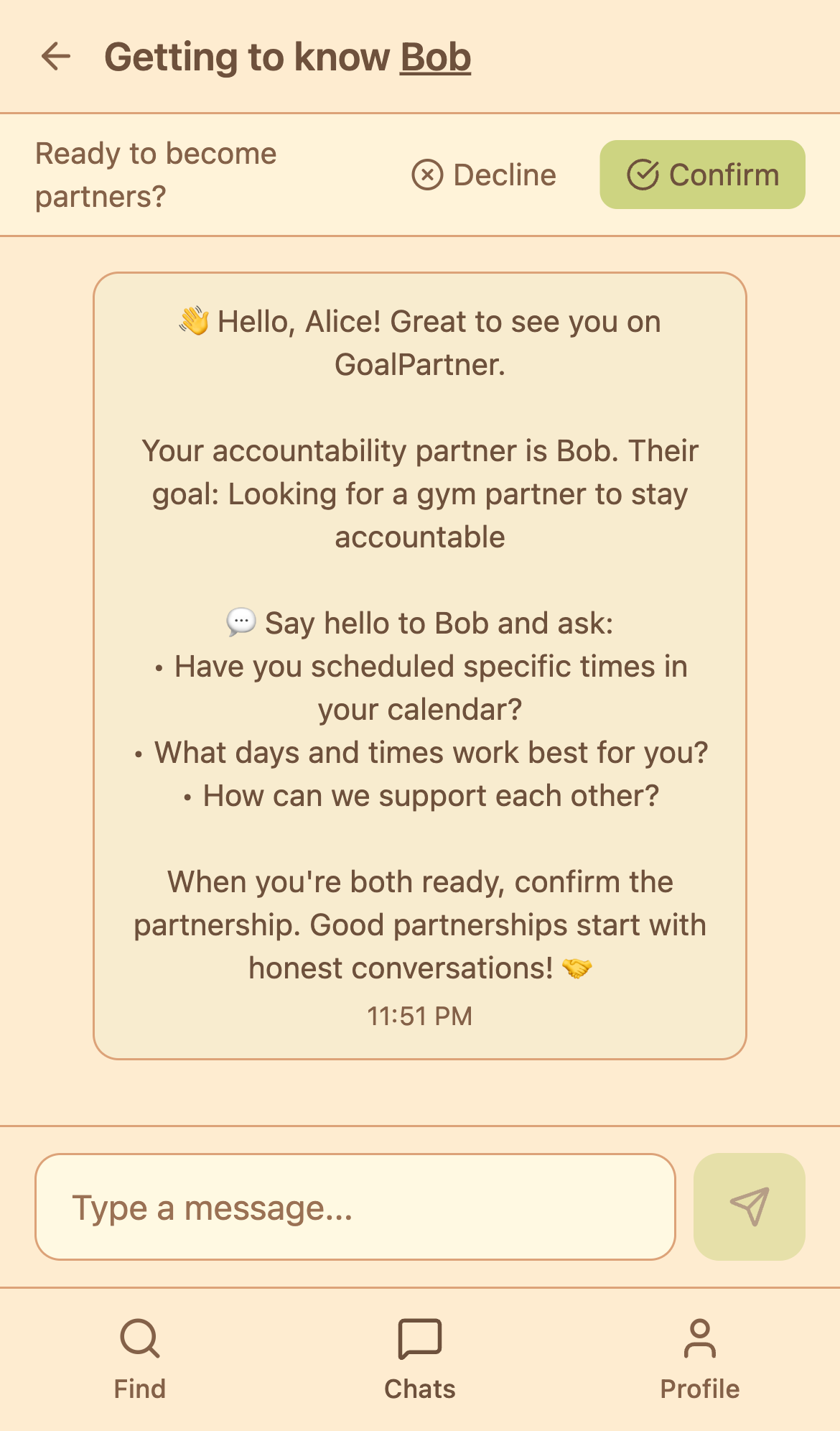
Chat Interface
With confirm/decline buttons
→
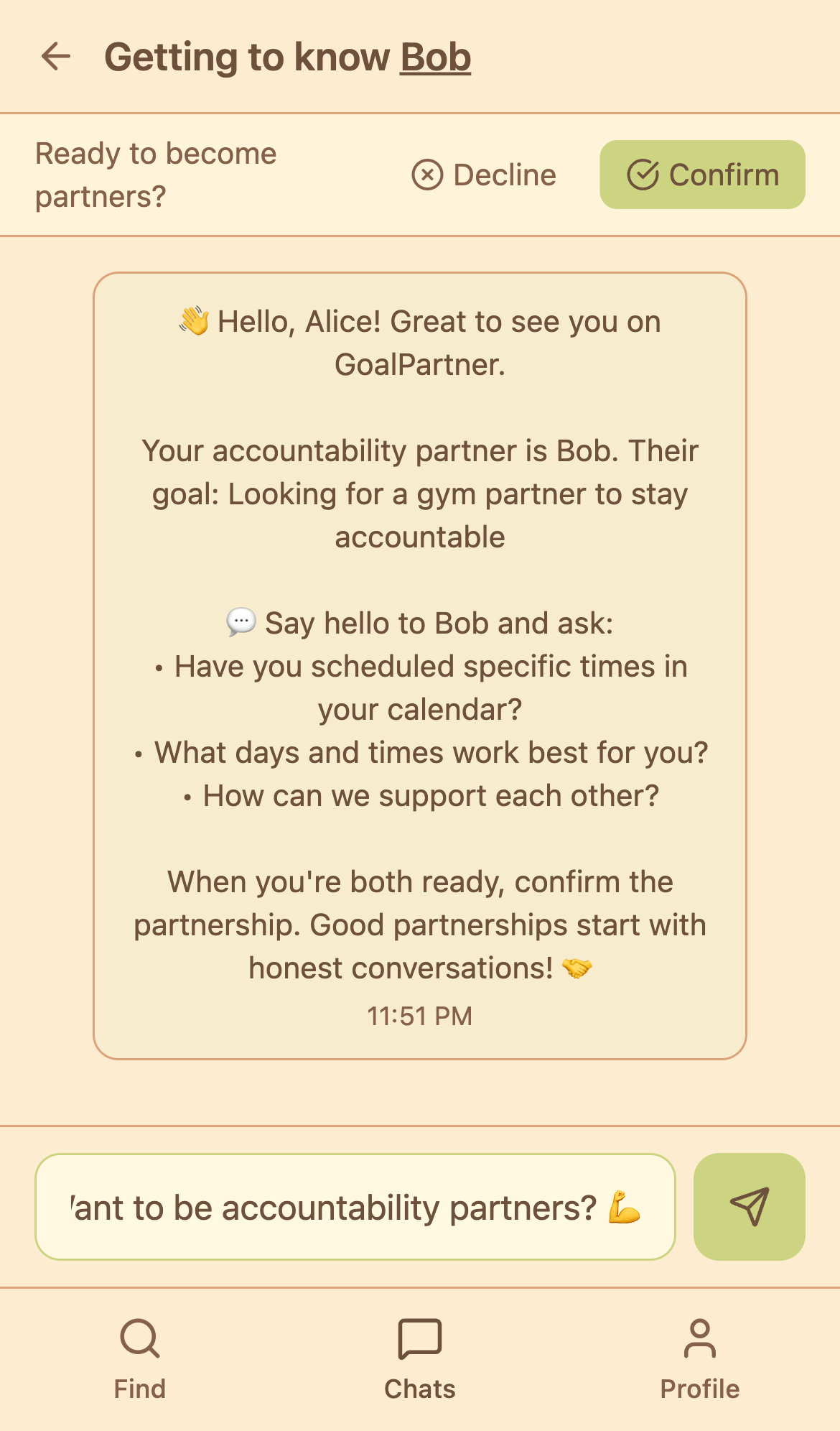
Typing Message
Send button ready
→
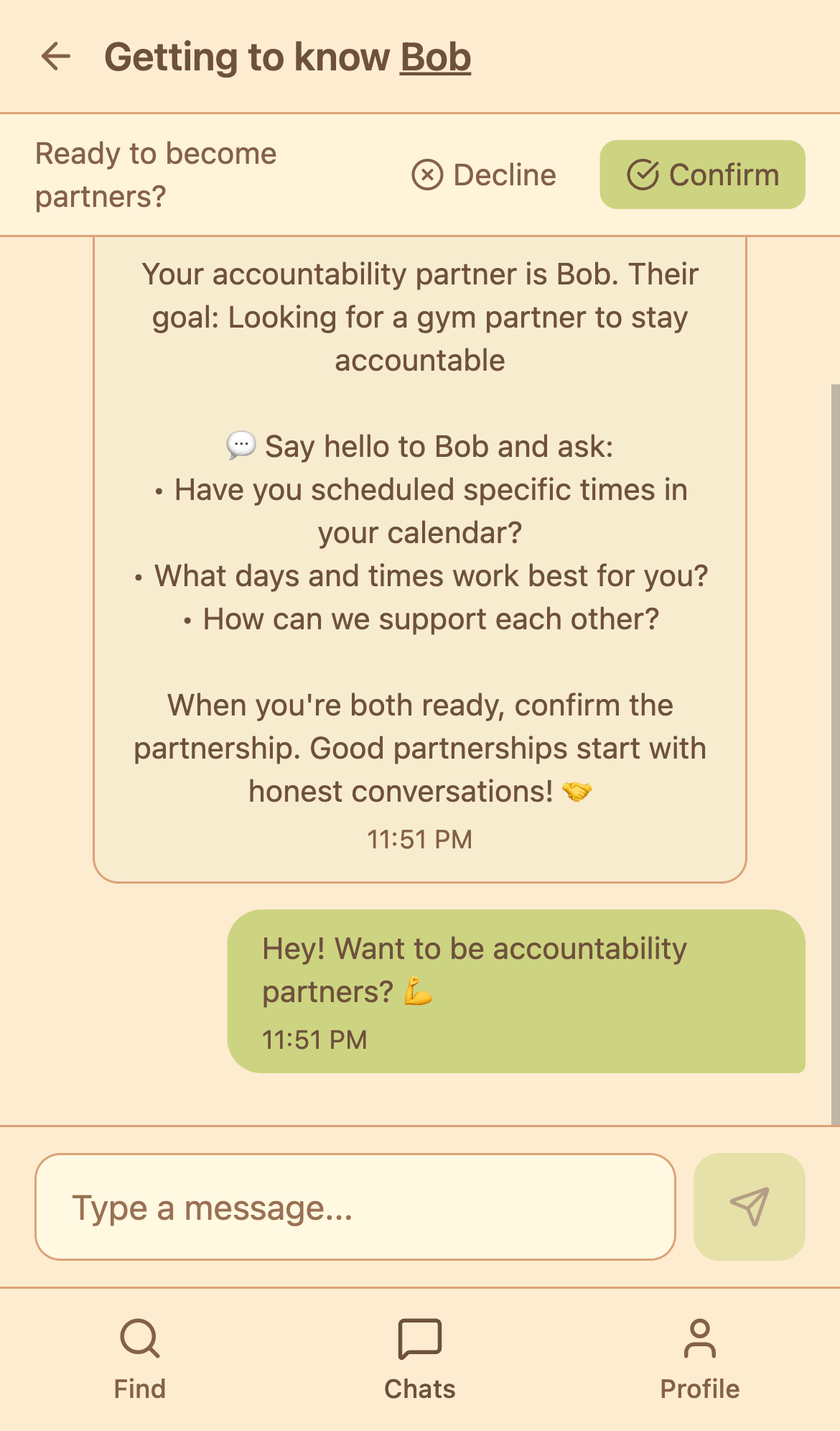
Message Sent
In chat history
5
Profile
User profile screen
View goals, stats, and settings (shown: before partnership)
View goals, stats, and settings (shown: before partnership)
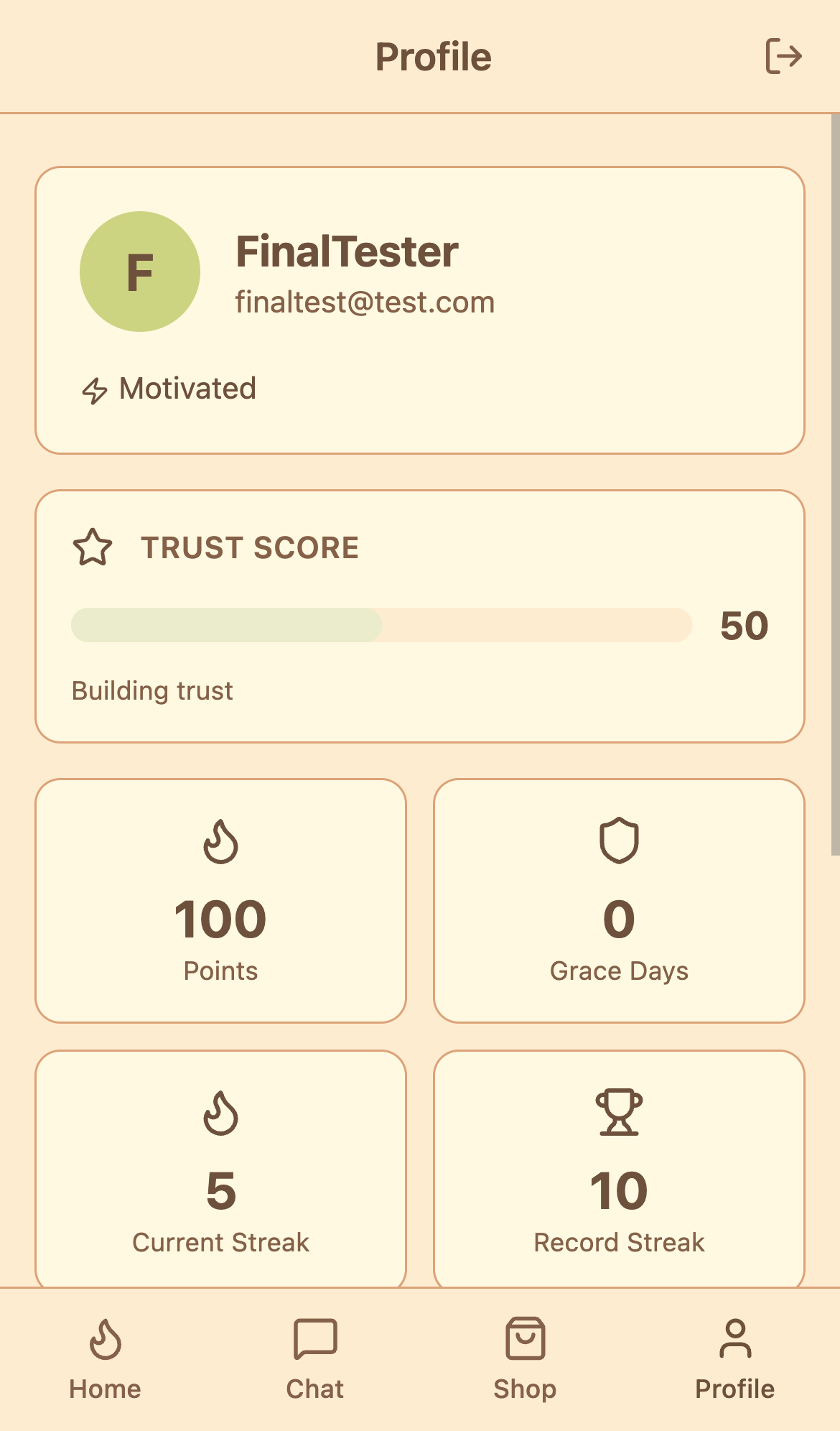
Profile Screen
Goals & info
6
Home Screen (Active Partnership)
Main dashboard with bonfire, streak, and check-in
Daily hub for checking in, viewing streak, and monitoring partner status
Daily hub for checking in, viewing streak, and monitoring partner status
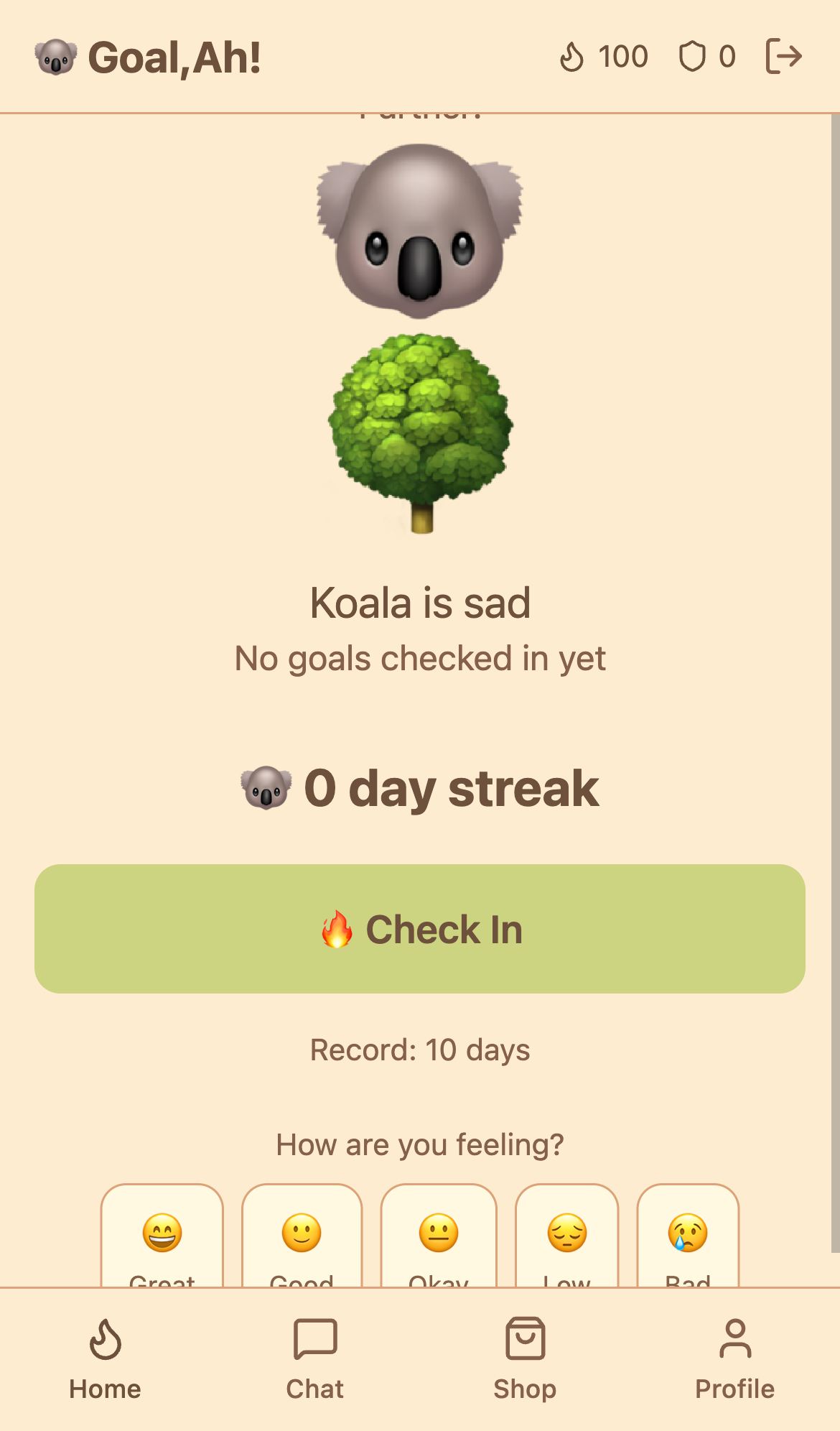
Home Dashboard
Bonfire, streak, partner info
7
Chat (Confirmed Partner)
Message your accountability partner
Ongoing conversation, motivation, and support
Ongoing conversation, motivation, and support
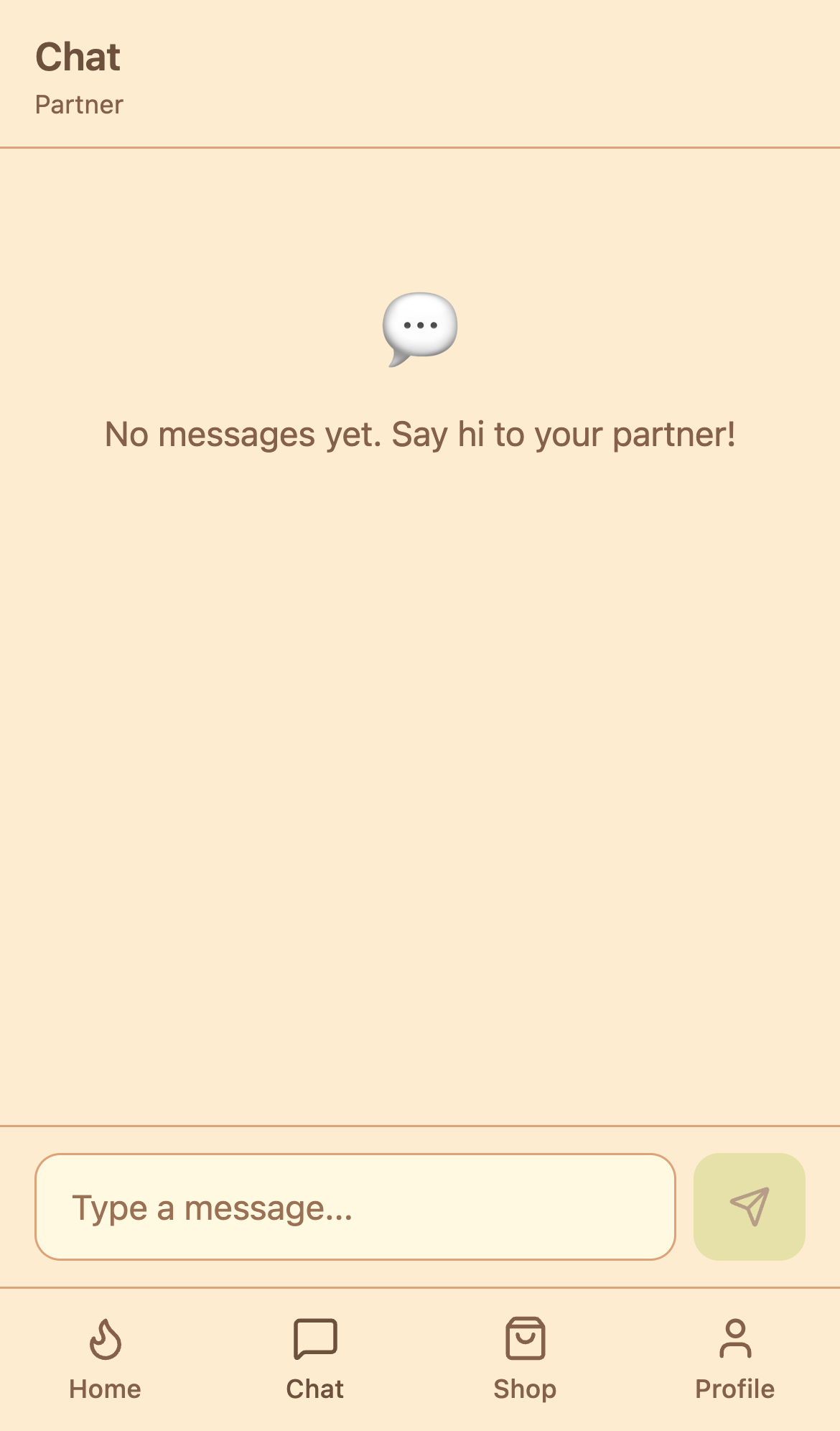
Partner Chat
Message history & input
8
Shop
Spend points on grace days
Purchase streak protection (50 points) - max 1 per week
Purchase streak protection (50 points) - max 1 per week
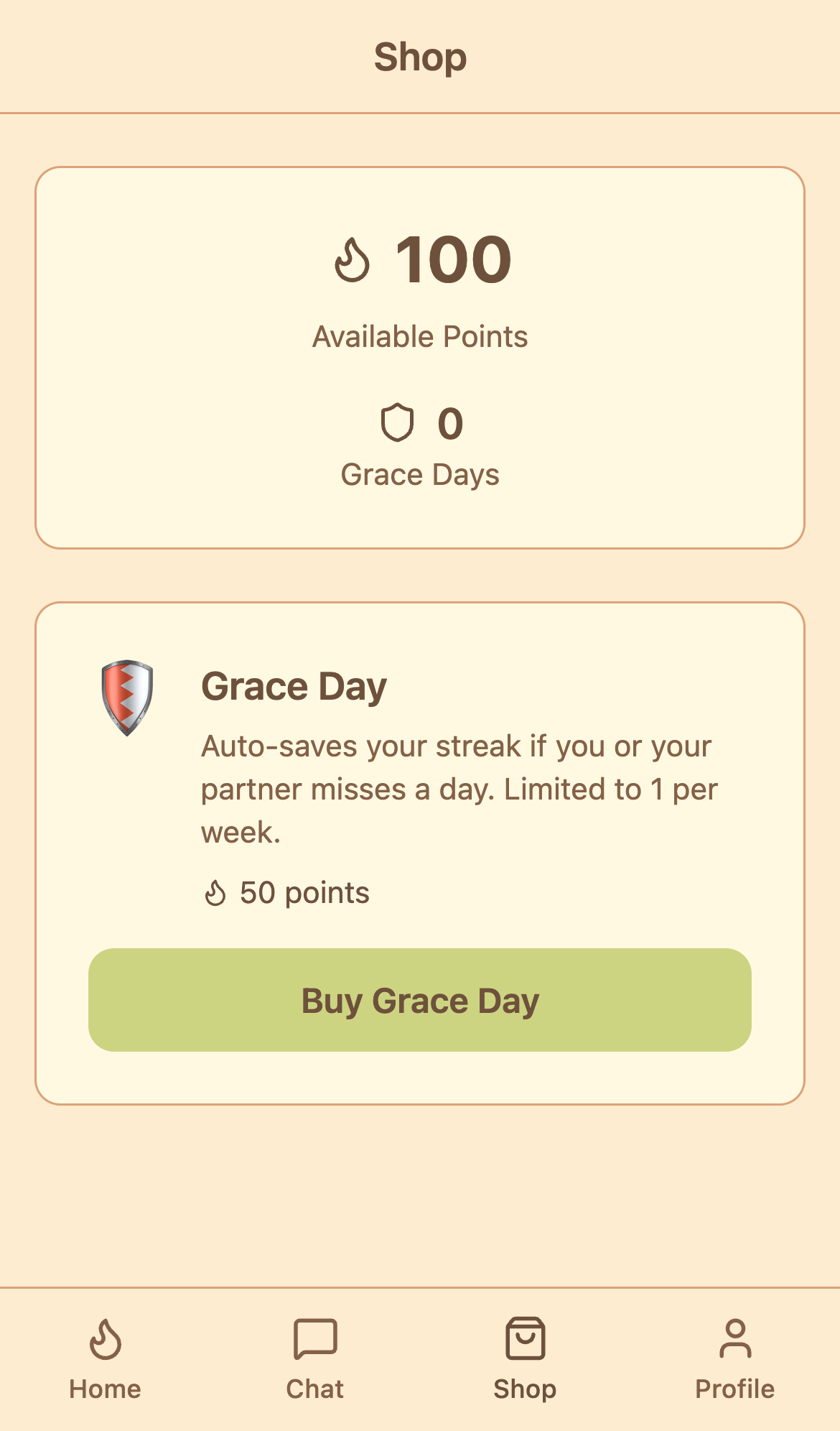
Shop Screen
Points balance & grace days
9
Profile (With Partnership)
View profile with partnership stats
Goals, stats, current partner, and settings
Goals, stats, current partner, and settings
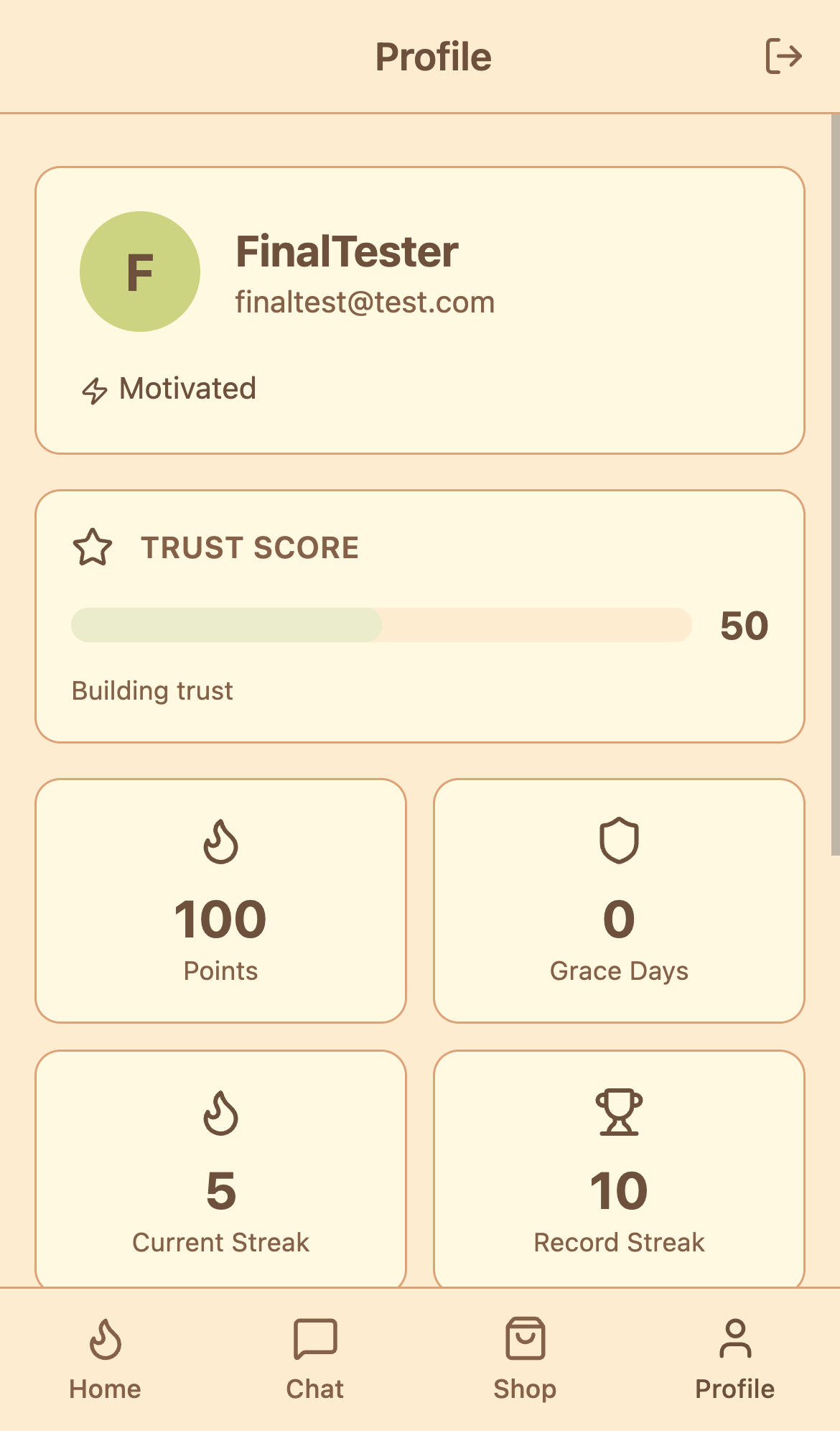
Profile with Partner
Full stats & partnership info